
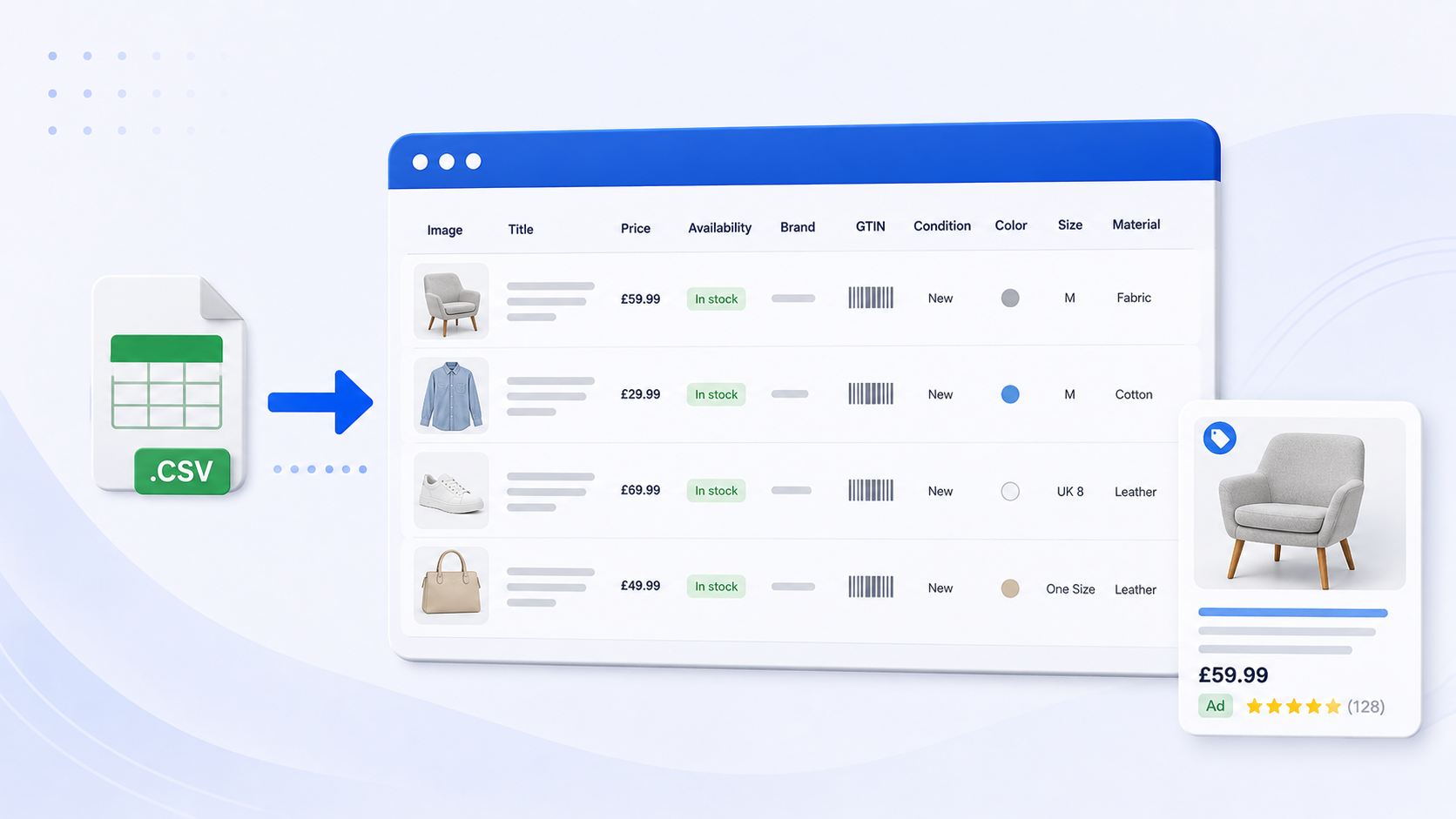
Many advertisers treat their shopping feed as a one-time setup: upload the data, launch campaigns, and move on.
That approach leaves a lot of performance on the table.
Your product feed is one of the most powerful levers in shopping campaigns. It directly influences how your products are matched to search queries, which audiences see your ads, and ultimately how profitable your campaigns are.
In this guide, we’ll walk through why feed optimisation matters, how to audit your current setup, and what you can test to improve your PPC results.
Why Your Shopping Feed Matters More Than You Think
Unlike search campaigns, shopping ads don’t rely on keywords you manually target.
Instead, platforms use your product feed data – titles, descriptions, attributes, and categories – to decide:
- When your ads appear
- Which searches they show for
- How relevant your products are to users
This means your performance is only as strong as your feed.
Even with advanced campaign types and automated bidding, the algorithm still depends on the quality and structure of your product data. If your feed is weak, automation won’t fix it – it will simply scale inefficiencies.
How to Audit Your Shopping Feed
Before running any tests, you need a solid foundation.
Start by reviewing your feed quality and identifying gaps or missed opportunities.
Key areas to check:
1. Product titles
Are your titles clear, structured, and keyword-rich?
Do they include the most important information early on?
2. Product descriptions
Do your descriptions include relevant keywords and useful details?
Are they written for both users and algorithms?
3. GTINs (Global Trade Item Numbers)
Are they included wherever possible?
GTINs help platforms understand exactly what product you’re selling and improve matching accuracy.
4. Product attributes
Are you including all relevant attributes such as:
- Size
- Material
- Colour
- Quantity or bundle info
Missing attributes limit visibility and relevance.
5. Images
Are your product images high quality, clear, and compliant?
Poor images can hurt both visibility and click-through rate.
6. Product types
Are your product types detailed and structured logically?
Do they go deep enough to describe the product accurately?
7. Product categories
Is the category correctly assigned and as specific as possible?
Once these basics are in place, you’re ready to move into testing and optimisation.
What to Test to Improve Shopping Performance
Feed optimisation isn’t a one-time task – it’s an ongoing testing process.
Here are some of the highest-impact areas to focus on:
1. Product Titles
Titles are one of the most important ranking factors in shopping ads.
Platforms read titles from left to right, so the order of information matters.
Example:
- “Cotton Pyjamas – Women – Brand Name”
→ More likely to match generic searches like “cotton pyjamas” - “Brand Name Women’s Cotton Pyjamas”
→ More likely to match branded searches
Neither is universally “better” – it depends on your strategy.
What to test:
- Generic-first vs brand-first structures
- Including key attributes (material, size, style)
- Title length and level of detail
Track impact on impressions, CTR, conversion rate, and return on ad spend.
2. Product Descriptions
Descriptions give you more space to reinforce relevance.
While they don’t carry as much weight as titles, they still help algorithms understand your product.
Best practices:
- Include secondary keywords and variations
- Highlight key features and benefits
- Keep the structure clear and readable
What to test:
- Short vs long descriptions
- Feature-focused vs benefit-focused copy
- Keyword density and variation
3. Product Types (Feed Structure)
Product type is one of the most underutilised attributes.
It allows you to define your own category structure, which helps platforms better understand your products.
Example:
- Basic:
Furniture > Dining Tables - Optimised:
Furniture > Kitchen Furniture > Dining Tables > Oak Dining Tables
More depth = more context = better targeting.
What to test:
- Increasing category depth
- Adding attributes like material, style, or use case
- Aligning product types with how users actually search
4. Additional Attributes
Small details can make a big difference.
Attributes like material, size, colour, and condition help refine targeting and improve relevance.
What to test:
- Adding missing attributes
- Standardising formats (e.g., consistent naming)
- Including more granular detail where possible
5. Images
Product images play a critical role in shopping ad performance. While they don’t influence targeting in the same way as titles or attributes, they have a direct impact on click-through rate – and ultimately conversions.
What to test:
- Lifestyle images vs plain background images
- Different angles or product positioning
- Image brightness, contrast, and overall clarity
There’s no one-size-fits-all approach. Some brands see stronger performance with clean, minimal product images, while others benefit from lifestyle imagery that shows the product in use.
For example, if you sell white furniture, placing it on a plain white background may cause it to blend in and lose visual impact. Showing the same product against darker walls or within a styled room can help it stand out in search results, increasing the likelihood of clicks.
It’s also worth reviewing what your competitors are doing. If all competing products use similar imagery, testing something visually distinct can help your ads stand out. On the other hand, aligning with familiar formats can sometimes improve trust and engagement.
The key is to test both approaches – blending in and standing out – and measure which version delivers stronger CTR, conversion rate, and overall return on ad spend.
How to Efficiently Manage and Edit Your Feed
There are different ways to manage your product feed, and your setup has a direct impact on how quickly you can test and optimise.
Many businesses rely on a core website feed, which is then pushed into Google Merchant Center and used in Google Ads.
In this setup, changes can be made:
- At the source level (your website or feed file), or
- Within Merchant Center (using rules and supplemental feeds)
While this works, it often requires developer support or comes with limitations – especially when running frequent tests.
Alternative: Using Feed Management or CSS Platforms
A more flexible approach is to introduce a feed management tool or CSS (Comparison Shopping Service) provider between your core feed and Merchant Center.
Platforms like Shoptimised or Shopping IQ act as an intermediary layer, allowing you to:
- Edit product attributes without changing your core website feed
- Apply bulk updates across large product catalogues
- Run structured tests more efficiently
- Reduce reliance on development resources
Why This Matters
The faster you can test changes, the faster you can improve performance.
For large or frequently changing catalogues, this flexibility can be the difference between:
- Gradual, limited optimisation
- Or continuous, data-driven improvement
Visualising the Setup
To simplify this, your setup will typically fall into one of two structures:

Key Takeaways
- Your shopping feed is a core driver of PPC performance – not just a technical requirement
- Better data leads to better targeting, which leads to more profitable traffic
- The biggest gains often come from structured testing, not one-off changes
- Titles, product types, and attributes are some of the highest-impact areas to optimise
Final Thoughts
Most advertisers focus heavily on campaign setup and bidding strategies – but overlook the feed that powers everything underneath.
That’s often where the biggest opportunities are.
If your shopping campaigns aren’t delivering the results you expect, there’s a good chance your product feed is holding them back.
Want to See What’s Holding Your PPC Performance Back?
We regularly audit shopping feeds and campaigns to identify missed opportunities, inefficiencies, and quick wins.
If you’d like a clear view of where your account could improve, request a PPC audit below and we’ll walk you through exactly what to fix and where to focus next.

